 Sapphire Dog LLC
 Plotwright: Story Bible
1. Start a library and a book
A tutorial from a blank page to a finished draft, starting with somewhere to keep it.
These eight short lessons follow one story, a mystery called The Lantern Thief, from the first idea to chapters you can export. Use your own story instead if you have one in mind: the steps are the same. Each lesson ends with where to read more.
- Make a new library: File › New Library on the Mac, or New Library on the first screen on iPad and iPhone. A library holds your books and everything in their world.
- On the welcome page, choose Start Writing. It adds a book, Untitled Book, with its first chapter.
- In the sidebar, right-click the book (or touch and hold it), choose Edit…, and name it The Lantern Thief.
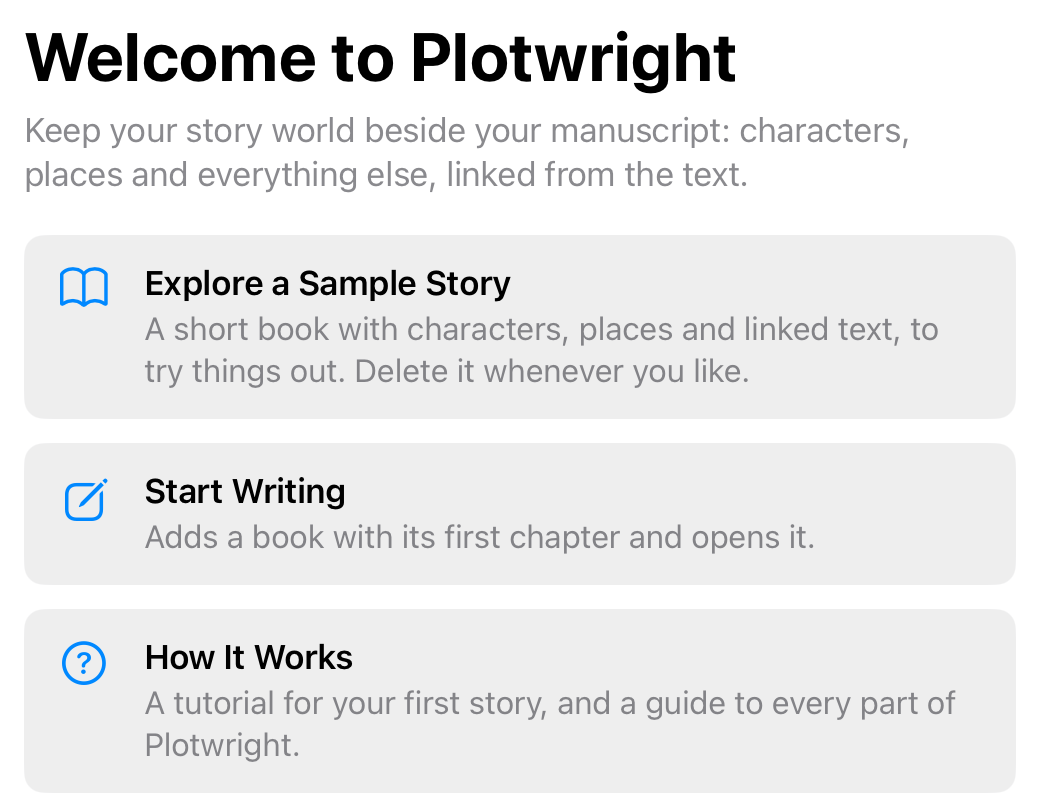
Plotwright saves as you go, so there's no Save to remember. To keep the library on all your devices, make it in iCloud Drive.
More: Books, Chapters and Scenes, Using More Than One Device.
The same guide is in Plotwright under How It Works. This copy is for version 0.44.